Select Version of EA Desktop:
Advancing a data request to Submitted status will make it available for the designated person to review and approve.
Before advancing a data request to Submitted status, ensure that all the information is correct and that all the requested products have been added.
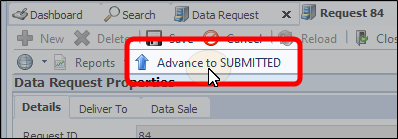
To advance your data request to Submitted status, click Advance to SUBMITTED.
Orders submitted via Exploration Archives Browser automatically display with a Submitted status.
Advancing a data request to Submitted status will make it available for the designated person to review and approve.
Before advancing a data request to Submitted status, ensure that all the information is correct and that all the requested products have been added.
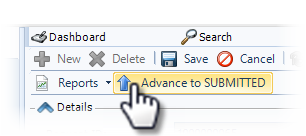
To advance your data request to Submitted status, click Advance to SUBMITTED.
Orders submitted via Exploration Archives Browser automatically display with a Submitted status.